Veo 4

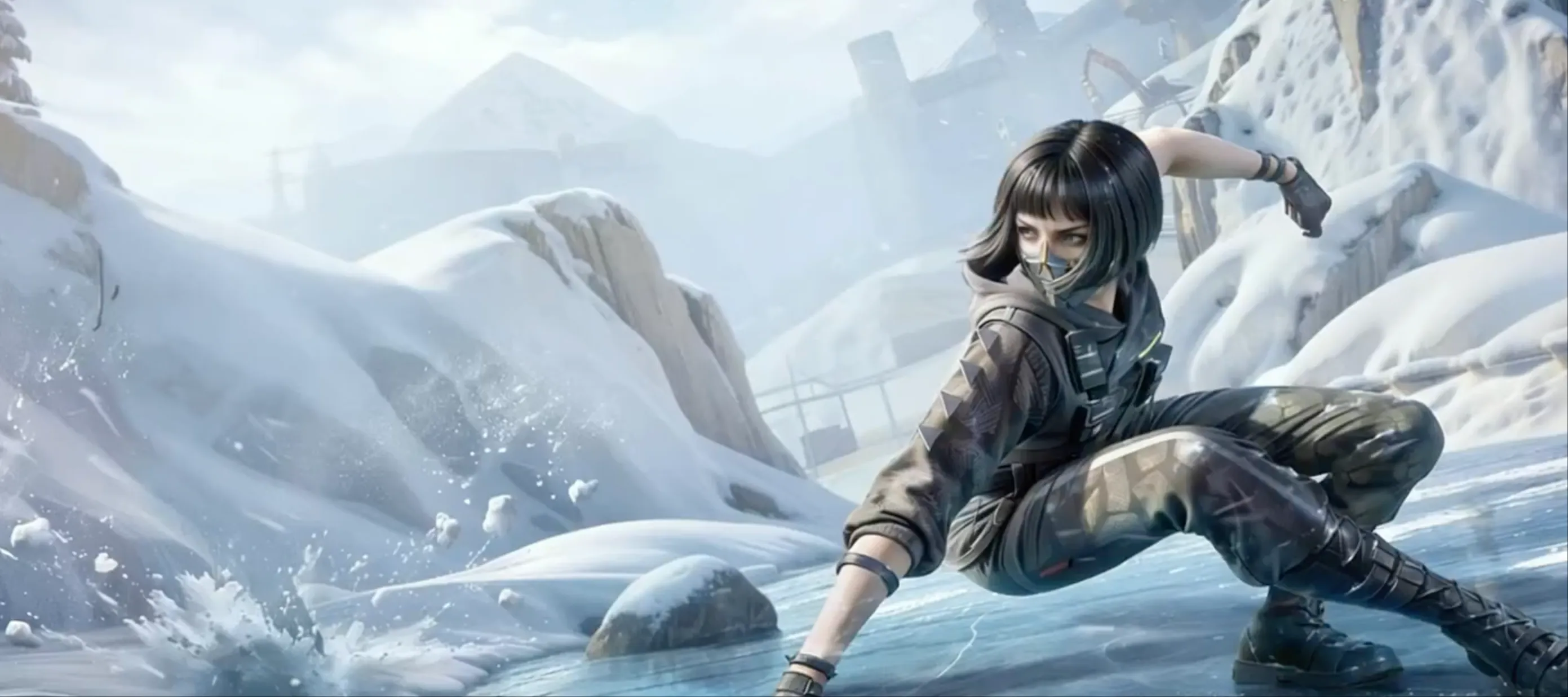
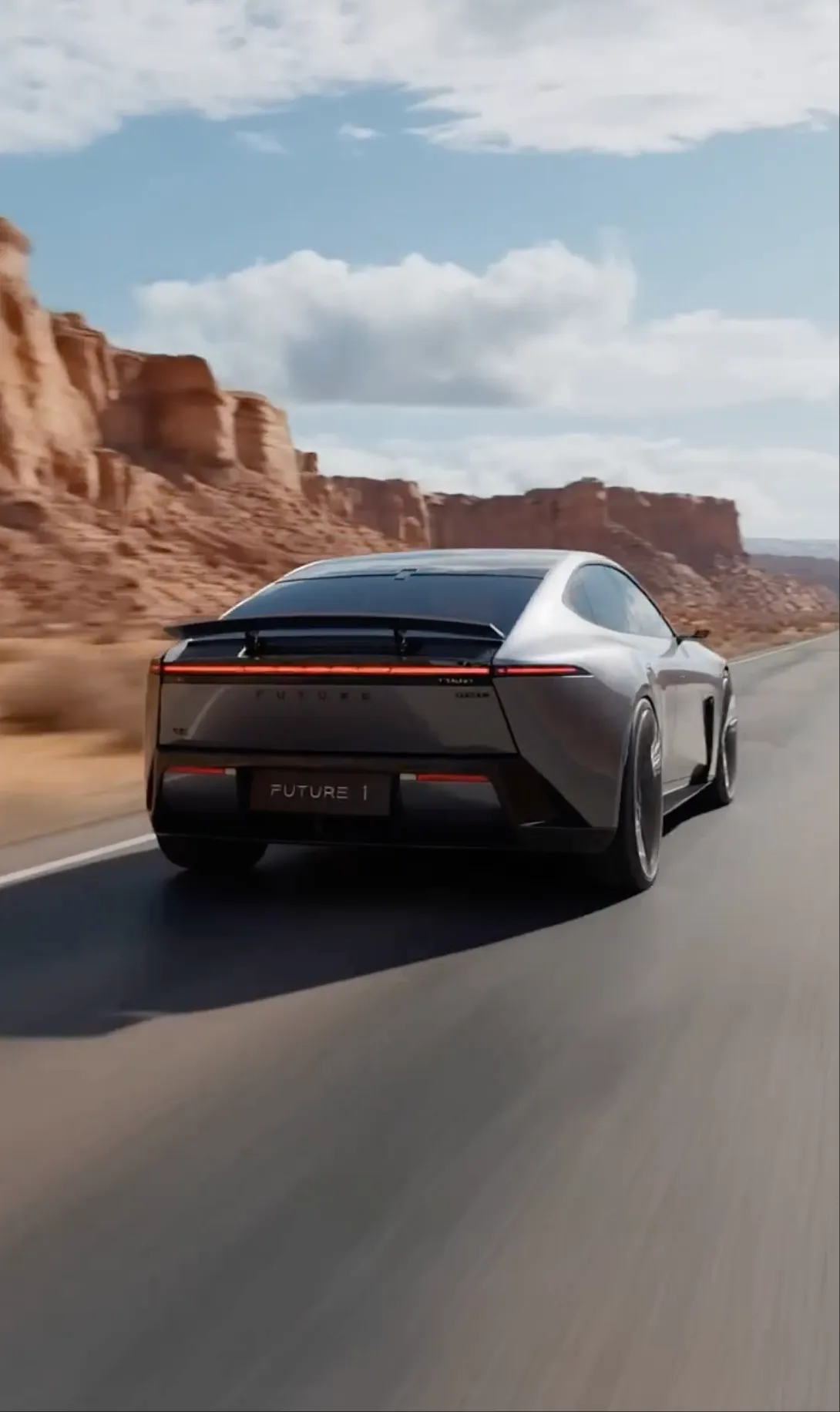
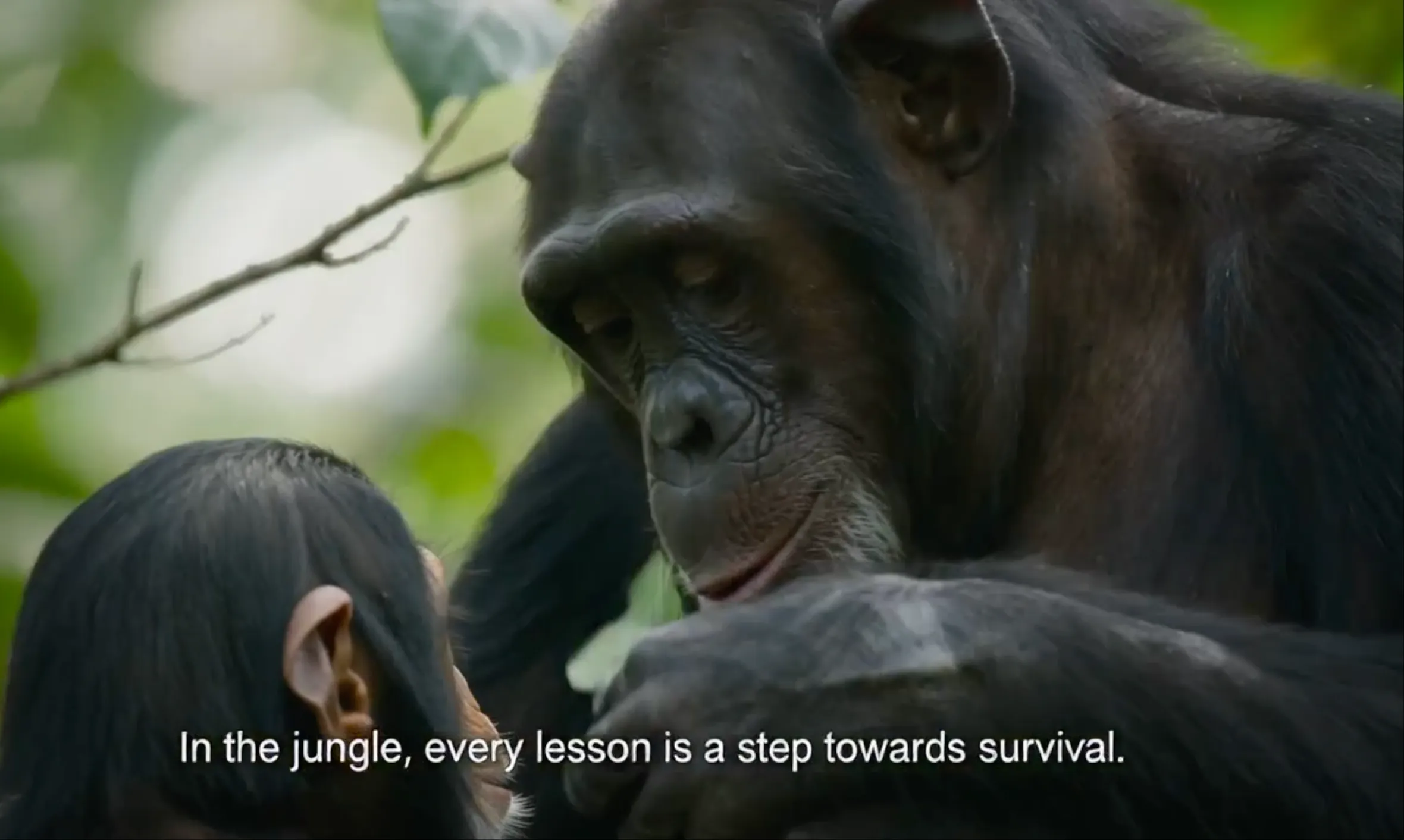
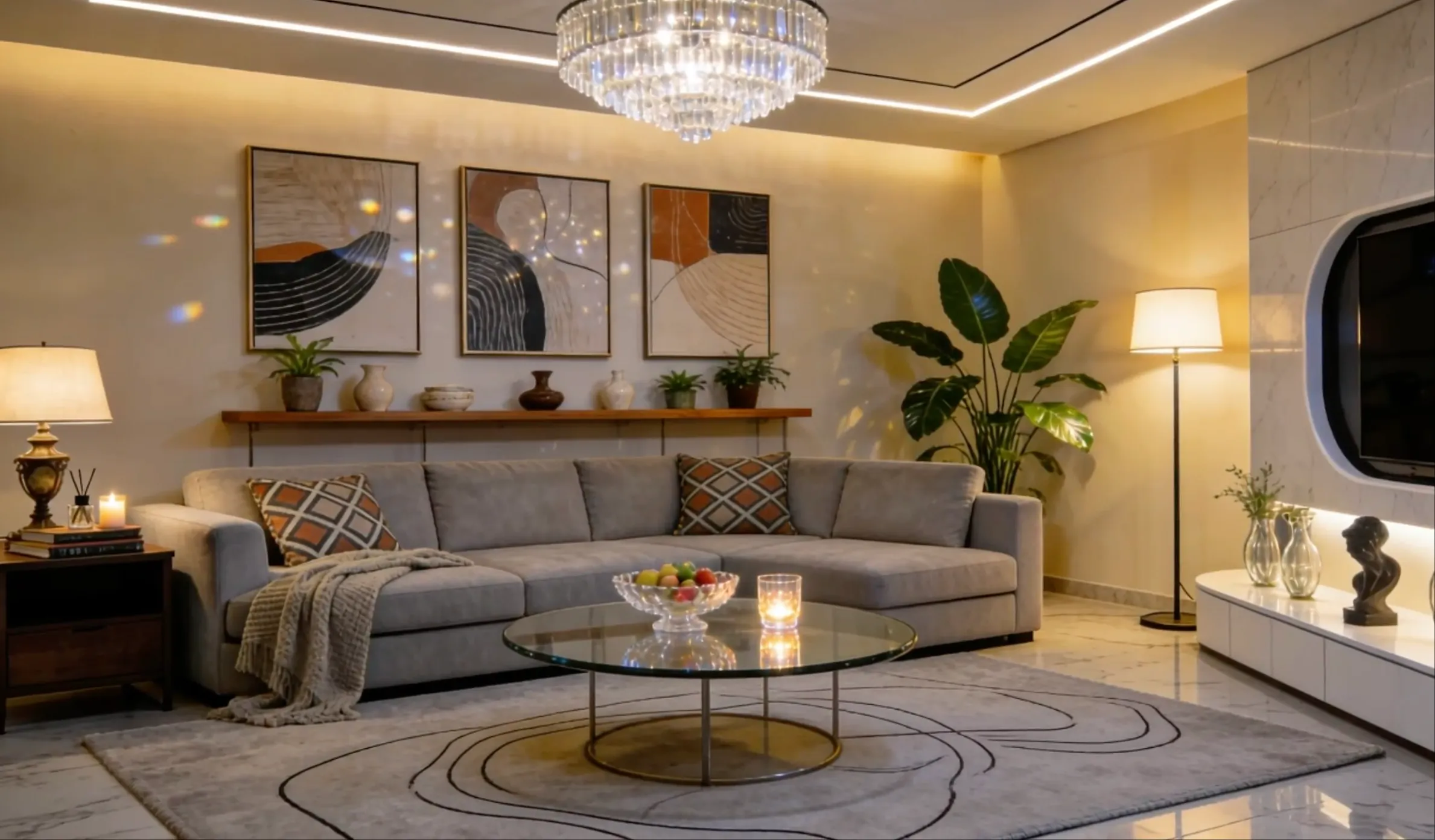
Experience true multi-modal AI video creation. Combine images, videos, audio, and text references to produce cinematic content with native lip-synced dialogue, multi-shot storytelling, and natural language control.

Describe the video you want to create...
0/5000

Key Features of Veo 4

A truly controllable multi-modal AI video model. Reference anything, edit anything, create anything — with native audio.

01

Multi-Modal Input

Combine multiple reference assets in a single Veo 4 generation: images, video clips, and audio files. Mix text, images, video, and audio freely to express your creative vision.

02

Reference Anything

Reference motion, effects, camera movements, characters, scenes, and sounds from any uploaded content. Just describe what you want to reference in natural language — Veo 4 understands.

03

Native Audio Generation

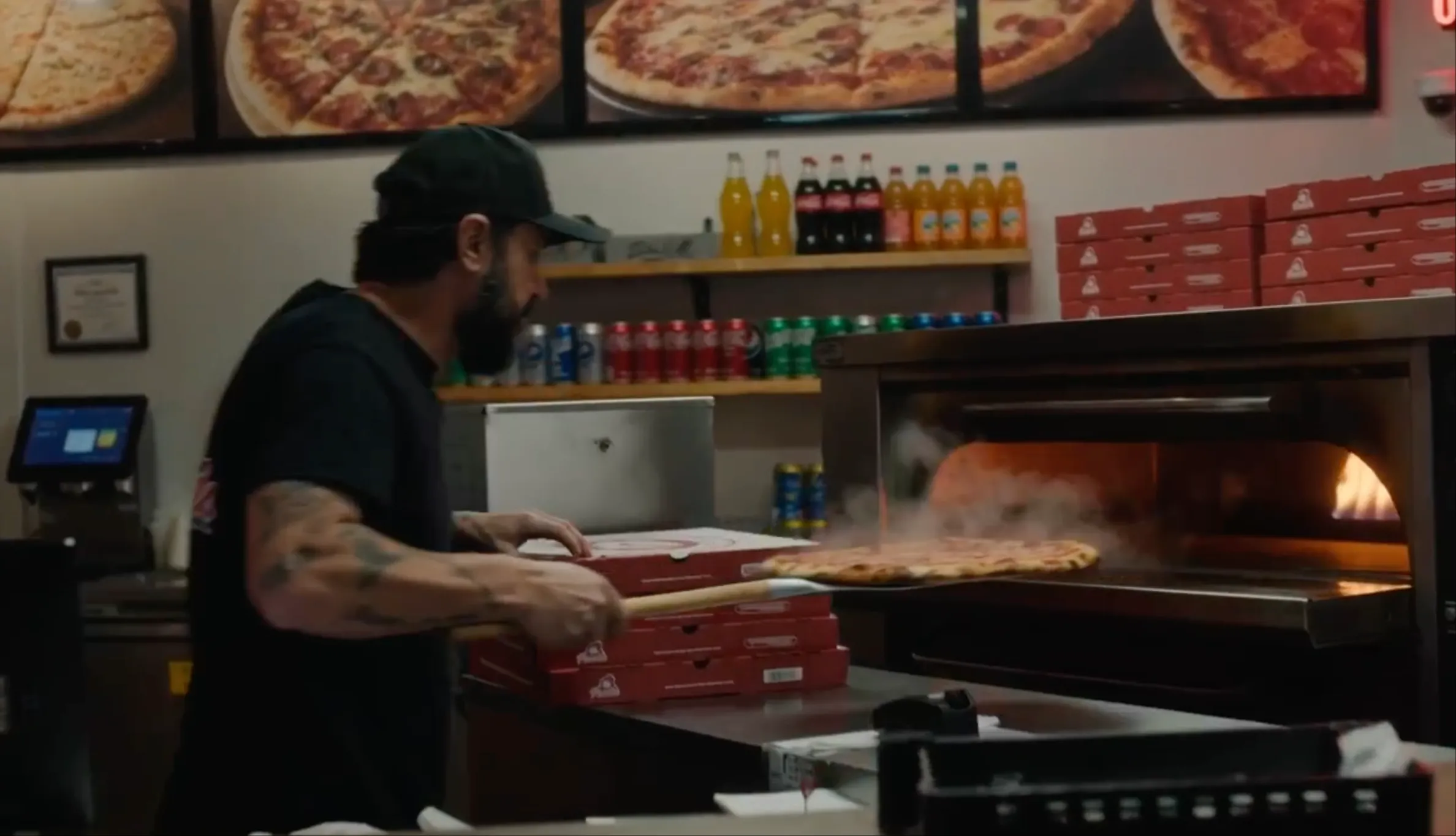
Generate lip-synced dialogue, Foley effects, and background music alongside your video. No extra tools, no manual sync.

04

Multi-Shot Storytelling

Compose logical scene sequences from a single prompt. Characters, outfits, and lighting stay consistent across cuts — build cohesive narratives from 4–15 second shots without manual stitching.

05

Superior Consistency

Maintain perfect consistency for faces, clothing, text, scenes, and visual styles across your entire video. No more character drift or style breaks between frames.

06

Precise Motion & Camera Replication

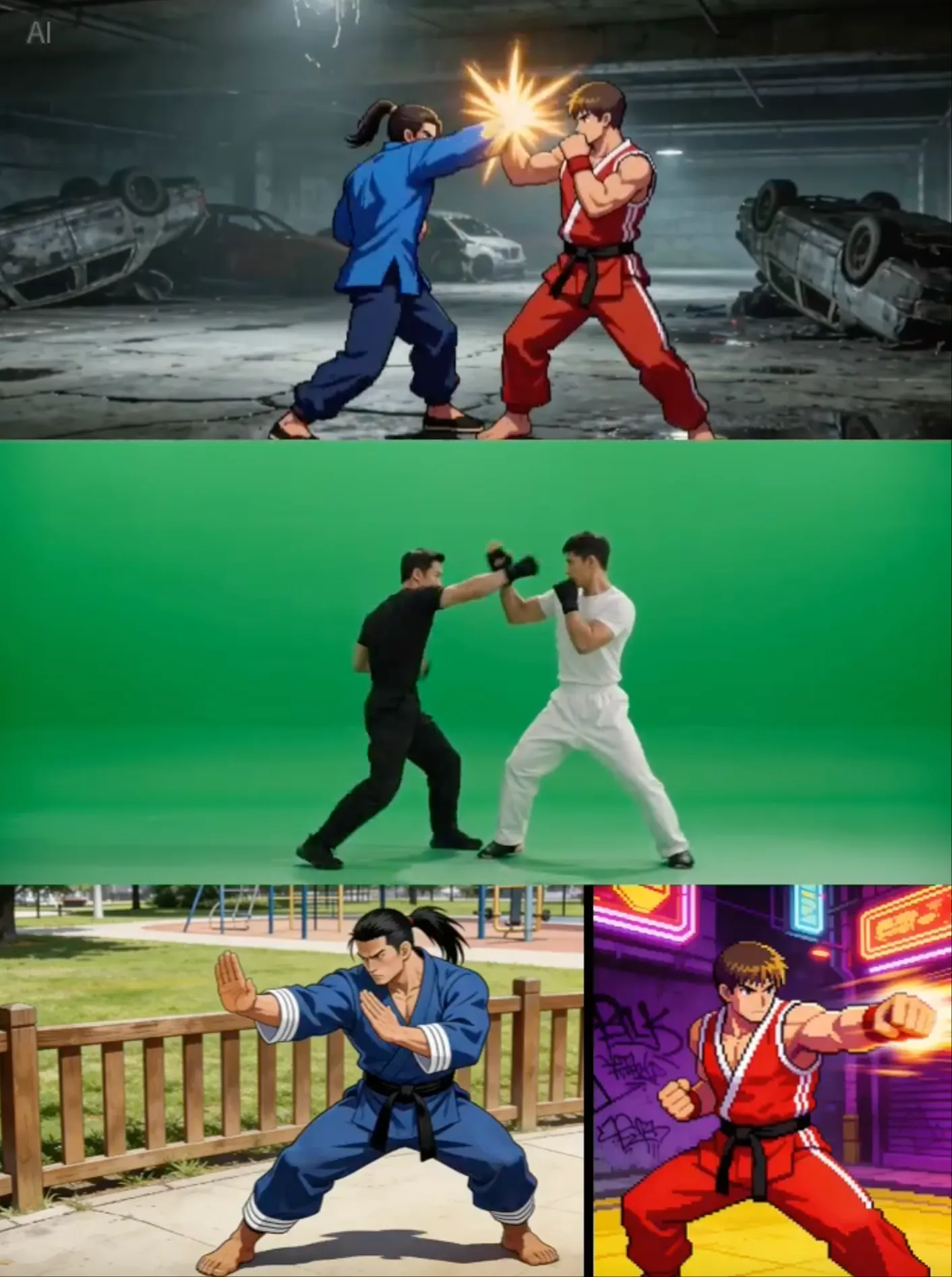
Upload a reference video to replicate complex choreography, cinematic camera moves, and action sequences. No detailed prompts required — just show what you want.

07

Video Extension & Editing

Smoothly extend existing videos, merge multiple clips, or edit specific segments. Replace characters, add elements, or modify actions while preserving the rest.

08

Cinematic Quality

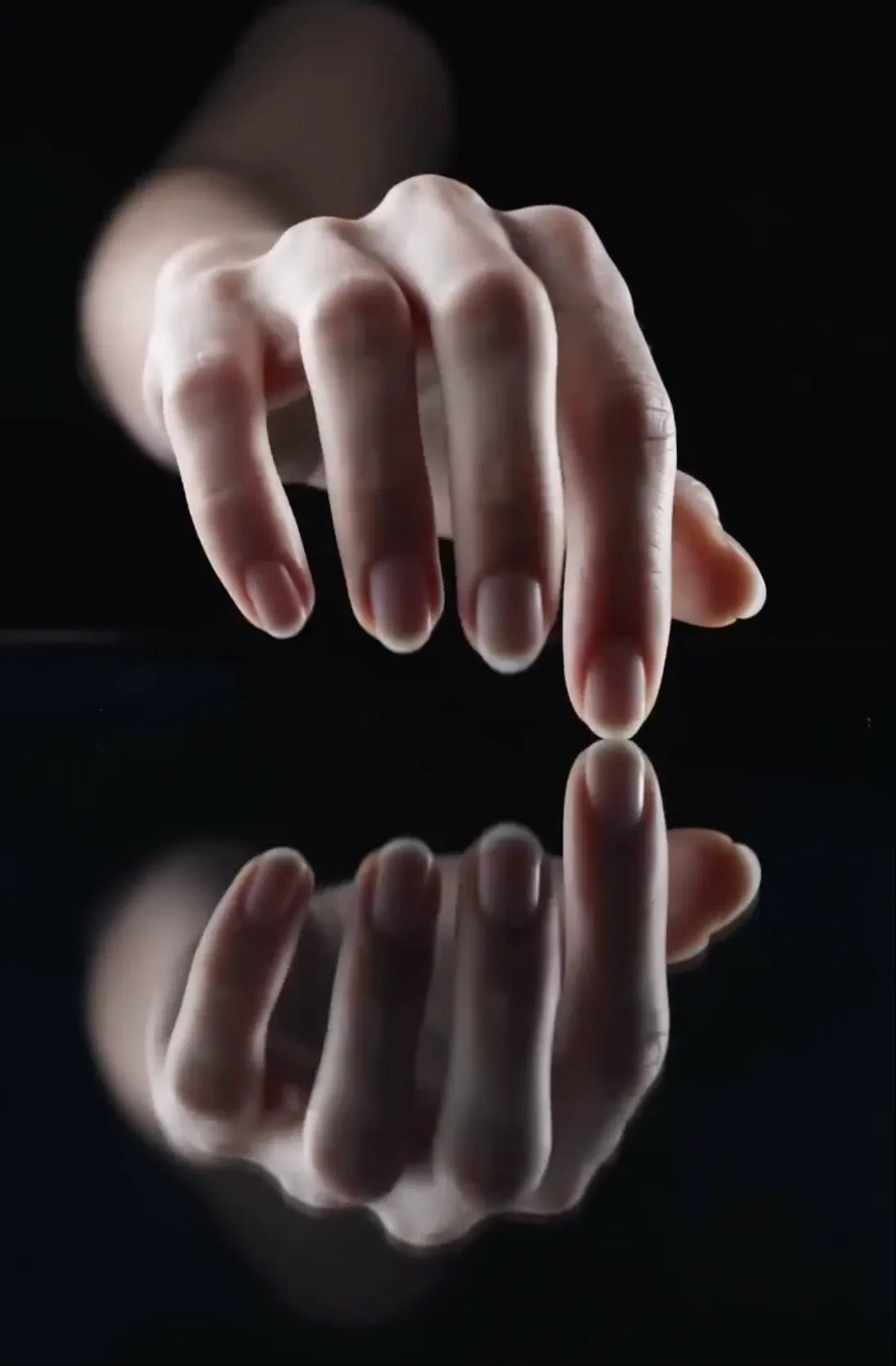
Deliver client-ready Veo 4 output with synchronized audio at production-grade cinematic quality, ready to ship across both landscape and portrait formats.

Endless Possibilities For Every Creator

From viral content to professional productions, Veo 4 empowers creators across industries to bring their multi-modal visions to life.

01

Advertising & Marketing

Create compelling promotional content by referencing successful ad templates. Replicate proven creative formats with your own products and branding.

Product VideosBrand ContentCommercial AdsTemplate Replication
02

Education & Training

Bring lessons to life with engaging visual content. Create animated explanations, historical reconstructions, and interactive learning materials.

Course ContentTutorialsDemosVisual Lessons
03

Creative Storytelling

Craft unique narratives with Veo 4 using multi-modal inputs. Reference film techniques, replicate cinematic styles, and extend your story across seamless multi-shot scenes.

Short FilmsArt ProjectsMusic VideosVisual Poetry
04

Social Media Content

Generate scroll-stopping content by referencing trending templates and effects. Replicate viral formats with your own creative twist.

Instagram ReelsTikTok VideosYouTube ShortsTrending Effects
05

Motion & Dance Videos

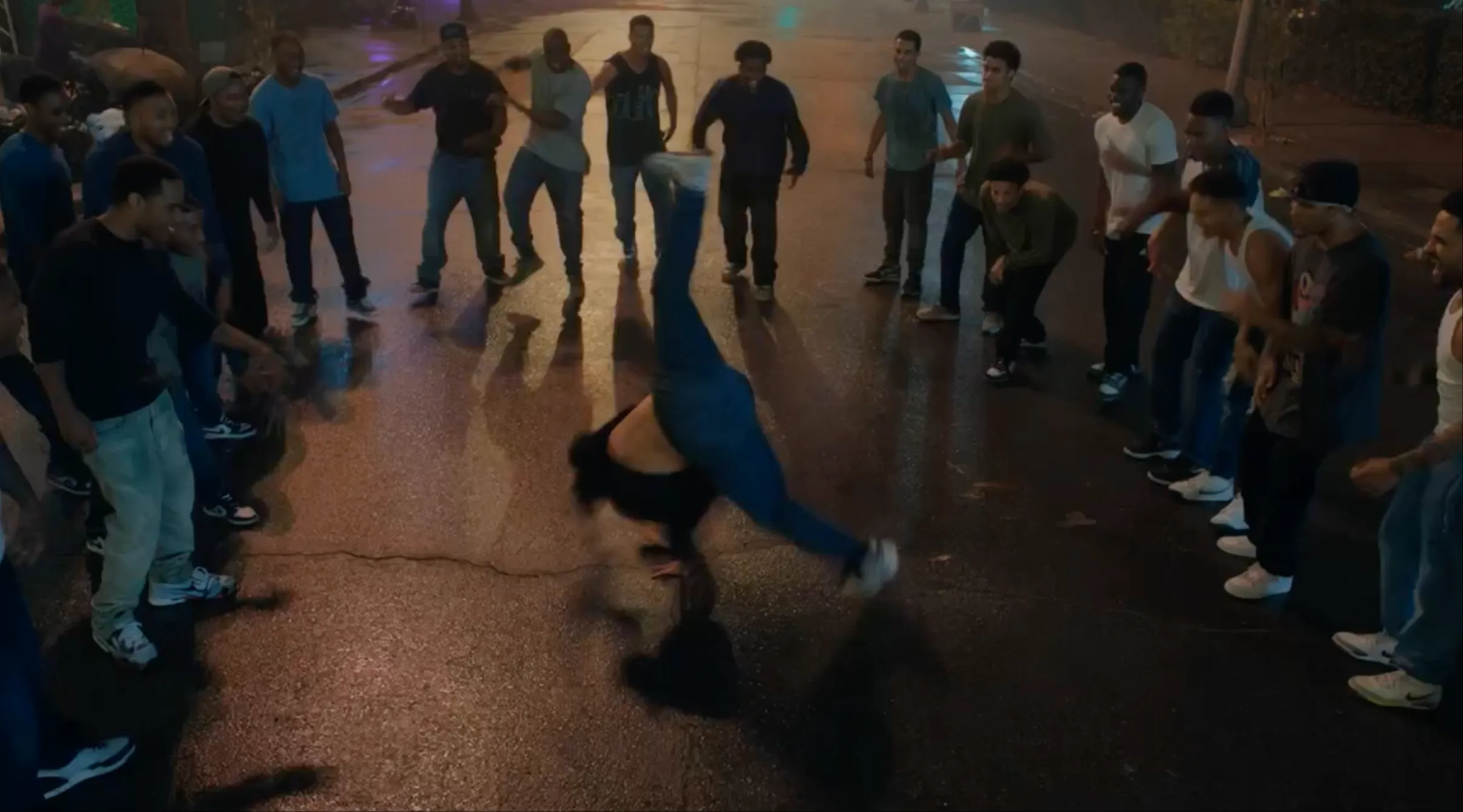
Upload reference choreography or motion clips and apply them to any character. Perfect for dance covers, motion replication, and action sequences.

Dance CoversAction SequencesMotion CaptureChoreography
06

Video Editing & Extension

Extend existing videos seamlessly, merge multiple clips, or edit specific segments without regenerating everything from scratch.

Video ExtensionScene MergingContent EditingClip Connection
07

Film Pre-Visualization

Reference film clips to replicate camera movements, transitions, and visual effects. Test cinematography before production.

StoryboardingCamera PlanningEffect TestingConcept Proofing
08

Real Estate & Architecture

Transform property photos into immersive virtual tours with Veo 4. Showcase architectural designs with dynamic walkthroughs and atmospheric presentations.

Property ToursArchitecture VizInterior DesignVirtual Staging
09

Music & Audio Sync

Upload audio tracks and let Veo 4 create perfectly beat-synced videos. Generate sound effects and background music that match your visual content.

Beat SyncMusic VideosSound DesignAudio-Visual Art

Ready to explore your use case?

How to Create AI Videos with Veo 4

01

Upload Your Assets

Upload images, videos, or audio files as references. Combine multiple assets across modalities to express your vision.

02

Describe Your Vision

Use natural language to describe what you want. Reference specific assets by tagging them, e.g., 'Use @image1 as the first frame with @video1's camera movement, voiced like @audio1.'

03

Generate & Iterate

Generate cinematic video with native audio. Extend, edit, or refine your creation by uploading the result and making targeted adjustments.

Loved by Creators Worldwide

See what our customers have to say about Veo 4 and how it's transforming their creative workflows.

Veo 4's multi-modal input is a game-changer. I can finally reference a dance video and apply it to any character I want. The motion replication is incredibly accurate!
Sarah Chen
Sarah Chen
Content Creator
The reference capability is mind-blowing. I uploaded a film clip and Veo 4 perfectly replicated the camera movement and pacing. This is what AI video should be.
Marcus Rodriguez
Marcus Rodriguez
Filmmaker
Finally, character consistency that actually works! Faces, clothing, even small text — everything stays consistent across multi-shot stories. Veo 4 solved our biggest problem.
Emily Watson
Emily Watson
Creative Director
Veo 4's video extension feature is seamless. I can extend clips naturally and even merge different scenes together. It's like having an AI editor that understands continuity.
David Kim
David Kim
Video Producer
Being able to reference trending video templates and recreate them with my own style has 10x'd my content output. Veo 4's multi-modal approach just makes sense.
Priya Sharma
Priya Sharma
Social Media Manager
Veo 4's multi-modal input is a game-changer. I can finally reference a dance video and apply it to any character I want. The motion replication is incredibly accurate!
Sarah Chen
Sarah Chen
Content Creator
The reference capability is mind-blowing. I uploaded a film clip and Veo 4 perfectly replicated the camera movement and pacing. This is what AI video should be.
Marcus Rodriguez
Marcus Rodriguez
Filmmaker
Finally, character consistency that actually works! Faces, clothing, even small text — everything stays consistent across multi-shot stories. Veo 4 solved our biggest problem.
Emily Watson
Emily Watson
Creative Director
Veo 4's video extension feature is seamless. I can extend clips naturally and even merge different scenes together. It's like having an AI editor that understands continuity.
David Kim
David Kim
Video Producer
Being able to reference trending video templates and recreate them with my own style has 10x'd my content output. Veo 4's multi-modal approach just makes sense.
Priya Sharma
Priya Sharma
Social Media Manager

Pricing

Choose the plan that works best for you. All plans include access to our core features.

Limited Time Offer!

Save 50% with Annual Billing

Frequently Asked Questions

Veo 4 is a next-generation multi-modal AI video generation model that supports image, video, audio, and text inputs. Unlike traditional AI video tools, Veo 4 lets you reference any content — motion, effects, camera movements, characters, scenes, and sounds — using natural language descriptions, and produces cinematic multi-shot stories with native synchronized audio.
Veo 4 supports four input modalities in a single generation: images, videos, audio files in MP3 format, and natural language text prompts. Combine references across modalities for maximum creative flexibility.
You can reference virtually anything from your uploaded content: motion and choreography, visual effects and transitions, camera movements and angles, character appearances and styles, scene compositions, and even audio. Just describe in your prompt what you want to reference, e.g., 'Use the camera movement from @video1 with the character style from @image1.'
Yes. Veo 4 features native audio generation — it produces lip-synced dialogue, Foley effects, and background music alongside the video, all in a single pass. You can also upload your own audio for the model to sync video content to specific beats or rhythms.
Veo 4 can smoothly extend existing videos. Upload your video and specify how many seconds you want to add (the generation length should match your extension length, e.g., extend 5s with 5s generation). The model maintains continuity in motion, style, and content for seamless results.
Yes. Veo 4 supports targeted video editing. You can replace characters, modify specific actions or segments, add new elements, or remove unwanted content — all while preserving the rest of your video. No need to regenerate the whole clip from scratch.
Veo 4 generates videos from 4 to 15 seconds per shot at cinematic quality. Multiple aspect ratios are supported including 21:9, 16:9, 4:3, 1:1, 3:4, and 9:16, with both landscape and portrait orientations.
Veo 4 features significantly improved consistency for faces, clothing, text, scenes, and visual styles. The model maintains stable character appearance across frames, shots, and entire multi-shot stories, solving common AI video problems like character drift, style breaks, and detail loss.
Absolutely. One of Veo 4's standout features is precise camera and motion replication. Upload a reference video with the camera moves or choreography you like, and the model will accurately replicate them with your own content — no detailed prompts required.
No. All videos generated with Veo 4 are completely watermark-free. You can download clean, professional-quality videos without any branding, ready for immediate use in your projects. What you create is 100% yours.
We take your privacy and security seriously. All uploaded content and generated videos are stored securely with industry-standard encryption. Your data is private and will never be shared with third parties. You retain full ownership of all content you create.
Getting started is simple. Sign up for an account, choose a plan that fits your needs, and start creating. Upload your reference materials (images, videos, audio), describe what you want using natural language, and let Veo 4 bring your multi-modal vision to life.

Still have questions? Contact [email protected]

Ready to Experience Multi-Modal AI Video Creation?

Join thousands of creators using Veo 4 to bring their visions to life. Reference anything, edit anything, create anything — with native audio and natural language control.

Multi-modal input support·Native audio generation·Watermark-free downloads